| Home | Previous Lesson: Tab Order Next Lesson: ListBox |
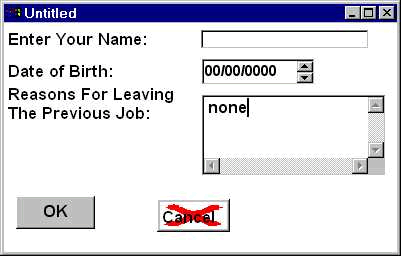
A MultiLineEdit control is similar to the SingleLineEdit control, but it lets you enter or display multiple lines of text. Remember, the maximum number of characters that you can enter in either a SingleLineEdit or a MultiLineEdit is same, i.e. 32,787 characters.
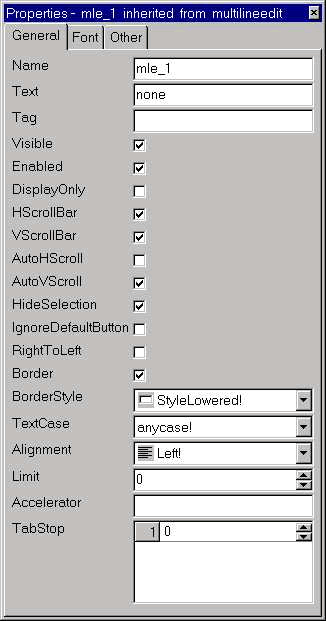
Looking at the properties for the control you can see that you can select horizontal and vertical auto-scrolling, scrollbars, limit the number of characters and so on.
One important property is the IgnoreDefaultButton property. If this is selected, it will allow the user to hit the Enter key to start a new line of text without triggering any CommandButtons' Clicked event whose Default option have been set.
Do not confuse the TabOrder with the TabStop property. The Tab Stop property allows you to display text in a table format and will be covered in greater detail in the PowerScript session.
To get full understanding of scrollbar properties for MultiLineEdit control, place a control as shown in the picture (at the beginning of the page) and turn on and off different scrollbar properties and preview the window with a few lines of text. You will get an idea about how the text scrolls with different scrollbar options.
| Home | Previous Lesson: Tab Order Next Lesson: ListBox |