PFC comes with a good find & replace service which a typical PowerBuilder application won’t provide. You have to write just a single line of code as shown below:
dw_product.of_setfind ( TRUE )
That’s all, nothing more. ( We assume you are using a menu that is inherited from the PFC menu ). Run the application, and select Edit/Find from the menu and you will see a dialog box as shown below.
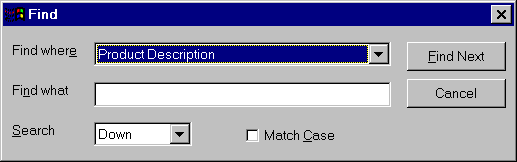
PFC Find Service Dialog Box.
You can search Up/Down and you choose to match the case or not. There is one more option Powersoft can add to this is, "Find Whole Words Only" option.
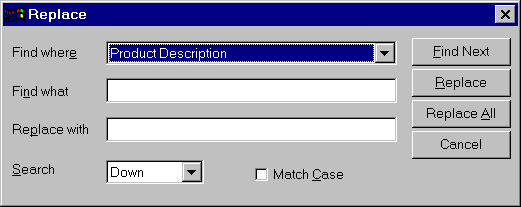
PFC Find & Replace Service Dialog Box.
The above picture is the Find & Replace service dialog box. It’s really cool feature of PFC. It would be really great if they can provide selecting multiple columns. For example, a DataWindow with full of text values and user wants to find it in any column and replace. It would be easy for the user if he is able to do that. This version of PFC doesn’t support it.