| Home | Previous Lesson: Checking-In a PowerBuilder Object Next Lesson: Clearing the Check-Out Status |
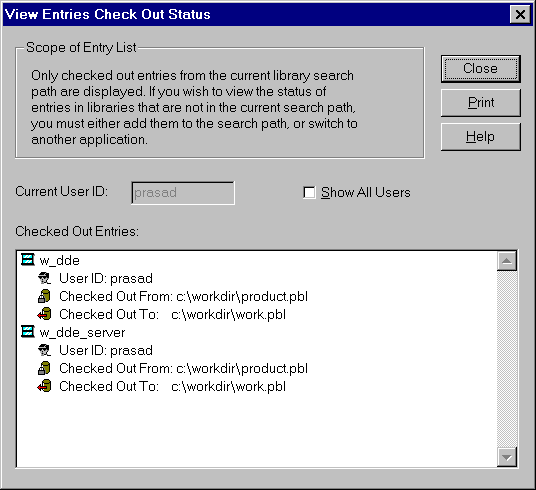
If you want to see the checked out status, select "Source/View Check Out Status" from the menu.
By default, PowerBuilder displays all the Check-Out objects for the current user. You can see objects that are Check-Out by all other user by clicking on the "Show All Users" Checkbox.
| Home | Previous Lesson: Checking-In a PowerBuilder Object Next Lesson: Clearing the Check-Out Status |