| Home | Previous Lesson: Exporting Data Next Lesson: Filtering Data |
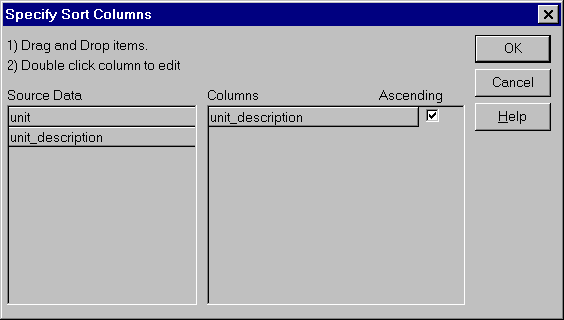
When you are in the data manipulation pane, you can display the data in any sorted order by selecting Rows > Sort... menu option.
Drag the unit_description column from 'Source Data' column into Columns column and click the OK button. The data will now be displayed in ascending order.
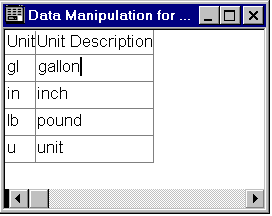
You can even specify a sorting expression by double clicking on a column in the Columns box. For example, the following expression sorts data on the unit_description's data length.
| Home | Previous Lesson: Exporting Data Next Lesson: Filtering Data |