| Home | Previous Lesson: Date and Time Formats Next Lesson: Validation Rules |
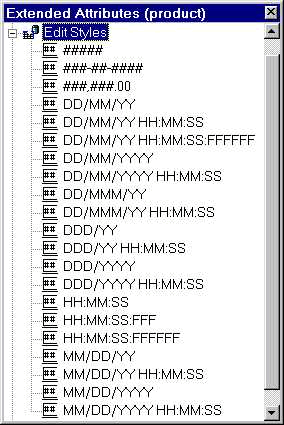
An edit style is used to limit the type of data that can be entered into a field, while affecting how the data is entered. For example, you can limit a date field to the month/day/year format.
You can also define new edit styles based on six different edit window control styles, such as:
All these edit styles behave similar to the corresponding window controls.
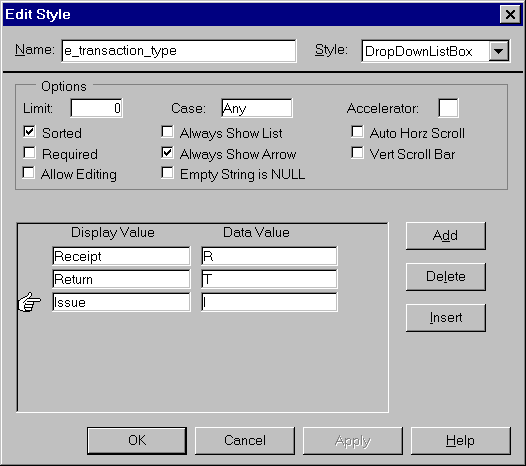
You find the attributes in the above picture available in the window painter also. Define an edit-style as shown in the picture, since we would need it.
We won't be going into detail about properties of different edit-styles as they are explained in the Window painter session. One style, DropDownDataWindow edit-style, not covered in the Window painter will be explained in the DataWindow painter session.
| Home | Previous Lesson: Date and Time Formats Next Lesson: Validation Rules |