| Home | Previous Lesson: DataWindow Services Next Lesson: Saving Changes To the Database |
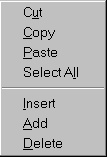
By default, for each DataWindow user object u_dw, popup menu is turned on. You don�t have to turn on or off any service.
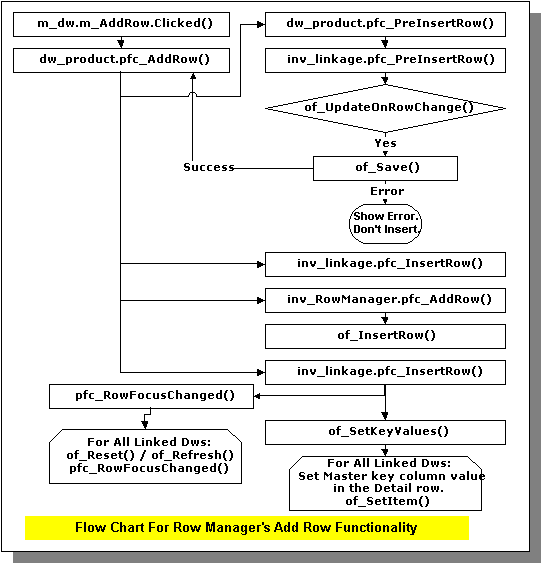
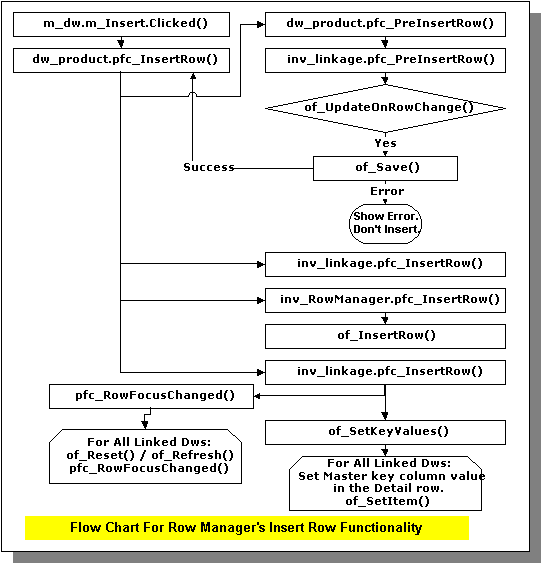
Using this popup menu the user can append a record or insert a record before the current row. You don�t have to write any code. If you use DataWindow user object u_dw for reporting purpose, this menu is still available. You may want to disable add/insert options by writing the following code to the pfc_PreRmbMenu event of the specific DataWindow user object in the window.
am_dw.m_table.m_insert.enabled = False
am_dw.m_table.m_addrow.enabled = False
Before displaying the popup menu, PFC triggers this event and sends the menu as an argument am_dw.
Place a user object u_dw in the w_product_master (from the pfc_product library) and name it as dw_product. Assign d_products_maint DataWindow object to this control.
| Home | Previous Lesson: DataWindow Services Next Lesson: Saving Changes To the Database |