| Home | Previous Lesson: Treeview Control Next Lesson: Using a Common Control For All Tab Pages |
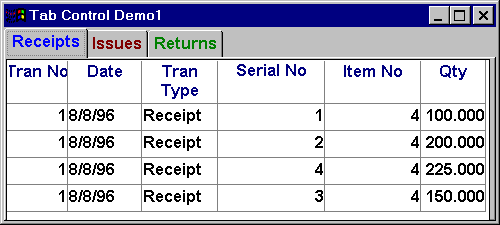
Tab control is another Window's 95 control introduced with version 5.0. Using this control you can create diary like user interface. Tab control user interface in PowerBuilder was never heard of prior to version 3.0. From version 3.0 developers started developing tab controls using user objects and found that developing tab control was not that easy and also would not be that flexible.
Tab control is a container for the tab pages. Initially, when you place the tab control on the window/user object, you will see one tab page available by default. Logically, you can divide the tab control in two areas, one, tab area (the top area of the tab control where tabs are displayed at design time) and the other is the tab page area. Clicking on the tab page area will prompt you for the tab page properties. Clicking on the tab area irrespective of the displayed tab page, PowerBuilder displays the tab control's property dialog box.
To learn about tab control & tab page properties, please refer to Tab Control in the 'Window Painter' section.
| Home | Previous Lesson: Treeview Control Next Lesson: Using a Common Control For All Tab Pages |