| Home | Previous Lesson: Setting up the Printer Next Lesson: Querying the Database Dynamically |
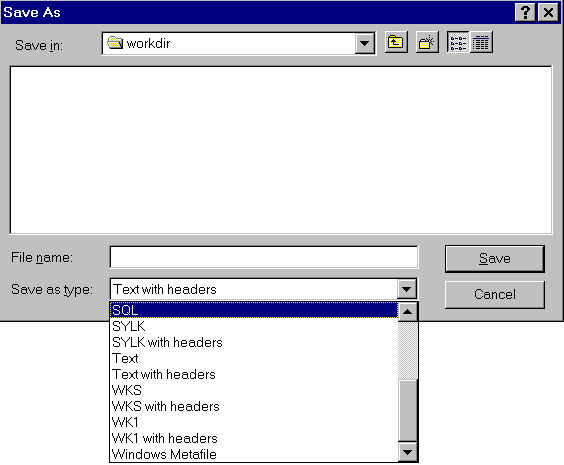
With a single function call, you can export reports to different formats, including HTML format, SQL, Excel, Text, etc�
// Object: cb_export in w_product_master window
// Event: Clicked
dw_product.SaveAs()
You will be prompted the following dialog box. For fun save in different data formats one at a time and check out the exported data.
From version 6.0 onwards you can generate HTML forms from a DataWindow and this feature is explained in detail in 'PowerBuilder -WWW' session.
| Home | Previous Lesson: Setting up the Printer Next Lesson: Querying the Database Dynamically |