| Home | Previous Lesson: Connection Options Next Lesson: Transaction Options |
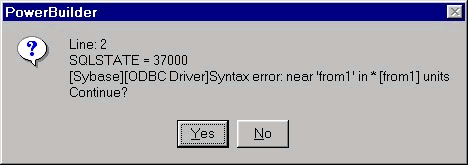
By default, the ODBC driver displays full error information including the SQLSTATE value as shown in the following picture.
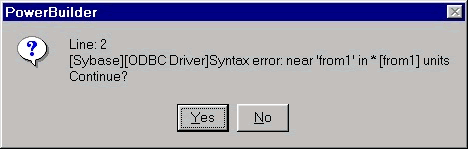
If you don't want to see the SQLSTATE information for any reason, uncheck Display Terse Error Messages option under the System tab page.
PowerBuilder Catalog Table Owner option is self-explanatory. By default, PowerBuilder catalog tables�explained earlier in this session�are owned by DBO (database owner). If the owner is not dbo�happens when a non-dbo connects to the database for the first time after PowerBuilder installation�you can specify that user name in this prompt. All options under Table Criteria group are for development purpose only. They allow you to specify which objects you want to see in the database painter and their owner if different from your user id.
| Home | Previous Lesson: Connection Options Next Lesson: Transaction Options |