| Home | Previous Lesson: Running Your Application Next Lesson: Views in the Debug Painter |
The Debug Painter is one of the flexible tools that PowerBuilder has to offer, combining the ability to debug the code attached to any event or function, with the ability to dynamically interrogate the variables the code affects, as the application runs.
When you invoke the Debug Painter, PowerBuilder starts a debugging session for the currently opened application.
When you call the Debug Painter, you must be prepared to supply the following information:
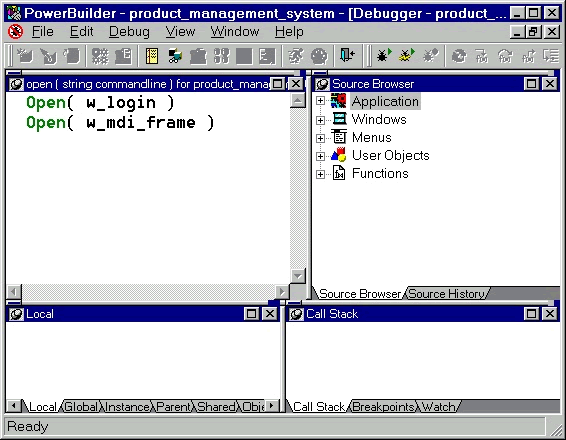
Select the event or function by expanding the object list in the 'Source Browser' view. Once you find the event/function, then double click on it. PowerBuilder opens that function/event source code in the Source view. The Debug painter is has several views.
| Home | Previous Lesson: Running Your Application Next Lesson: Views in the Debug Painter |