| Home | Previous Lesson: Both Condition & Occurrence Breakpoints Next Lesson: Breakpoints in Embedded SQL |
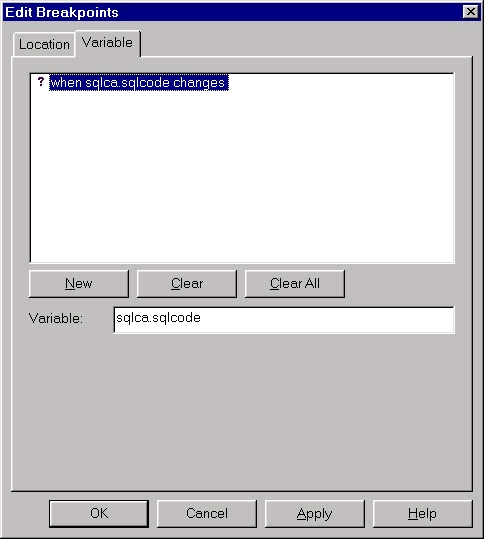
You can also set a breakpoint based on a variable change. Make sure that the variable is in the scope, i.e., local, instance, static and global variables. To set this, start the debugging session and display popup menu in the Breakpoints view and select Breakpoints menu option. From the displayed dialog box as shown below, click on Variables tab page, click on New CommandButton and supply the variable name and click on Apply button.
Some times you may end up in GPF. If that is the case, then you may want to set the variable when it is in scope instead of setting it before you start the debugging.
| Home | Previous Lesson: Both Condition & Occurrence Breakpoints Next Lesson: Breakpoints in Embedded SQL |