| Home | Previous Lesson: Modify() Function Next Lesson: On Fly DataWindow Creation |
To help you create DataWindow statements, PowerBuilder ships with a syntax tool, which in version 7.0 is integrated within the PowerBuilder interface. To invoke this tool, select File/New from menu and double click on 'DataWindow Syntax' icon located in the Tools tab page.
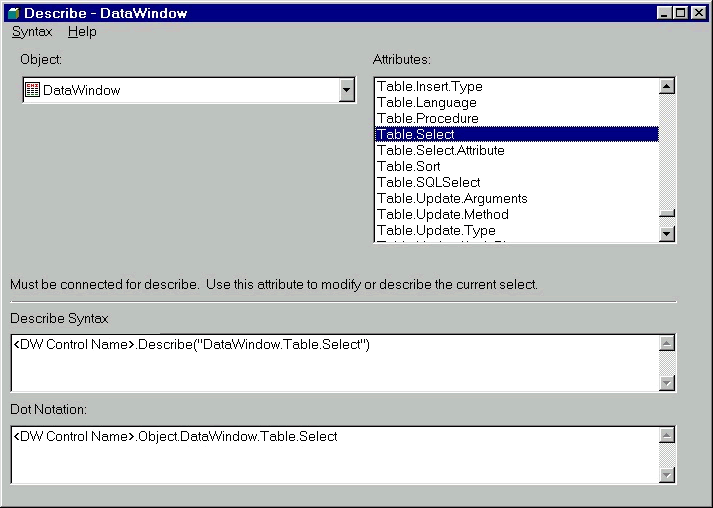
When you run this application, you are presented with the following screen:
It displays the full syntax for any DataWindow object attribute, and object within the DataWindow object attribute. It displays syntax in both Modifu()/Describe() format as well as DOT notation format. By selecting appropriate option from the menu, you can display syntax to create a DataWindow from script, modify or describe the DataWindow object and you can even display syntax to destroy objects within the DataWindow object. You can then copy the syntax to the clipboard and then paste into the PowerBuilder script. This is an invaluable tool for a PowerBuilder programmer and saves days worth of trail & error attempts in making the DataWindow syntax to work.
| Home | Previous Lesson: Modify() Function Next Lesson: On Fly DataWindow Creation |